
Bottle Labeler Jams After a Format Change
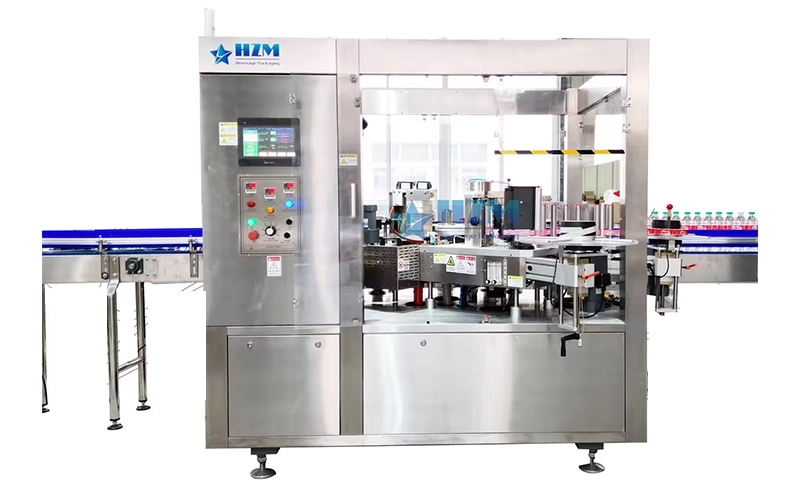
Verify the complete format setup—guides, feed screw, starwheels, centering bells, bottle plates, applicator height and saved recipe. Mixed parts or one skipped reference point can create a jam downstream.
Lock out the machine before reaching into cutters, feed screws, starwheels, vacuum drums, driven rollers or hot-melt systems. Follow adhesive and shrink-tunnel burn precautions.
Locate the fault
- Bottles contact the infeed screw or starwheel
- Labels crease where containers rotate
- Jams begin only with the new bottle
- The labeler runs in manual mode but not at production speed
Inspection sequence
- Compare installed parts with the signed format bill of materials
- Slow-cycle an approved empty bottle through every transfer under the manufacturer procedure
- Verify all mechanical reference scales and applicator height
- Confirm recipe name, revision and critical position values
- Measure representative production bottles against the approved sample
- Increase speed gradually while noting the first loss of control
Corrective work
- Install the complete correct format kit
- Reset height, guides and centering with the specified gauges
- Load and verify the controlled recipe
- Correct bottle-quality variation or formally qualify a revised format setup
Operating records and follow-up
- Store format kits as complete sets
- Use a two-person changeover verification for critical points
- Keep master bottles
- Lock recipes by access level
- Record the first jam point instead of only clearing the pile-up
Equipment details: Automatic Water Bottle Labeling Machine.
Need help planning your packaging line?
Share your product, bottle and capacity requirements for a practical equipment recommendation.
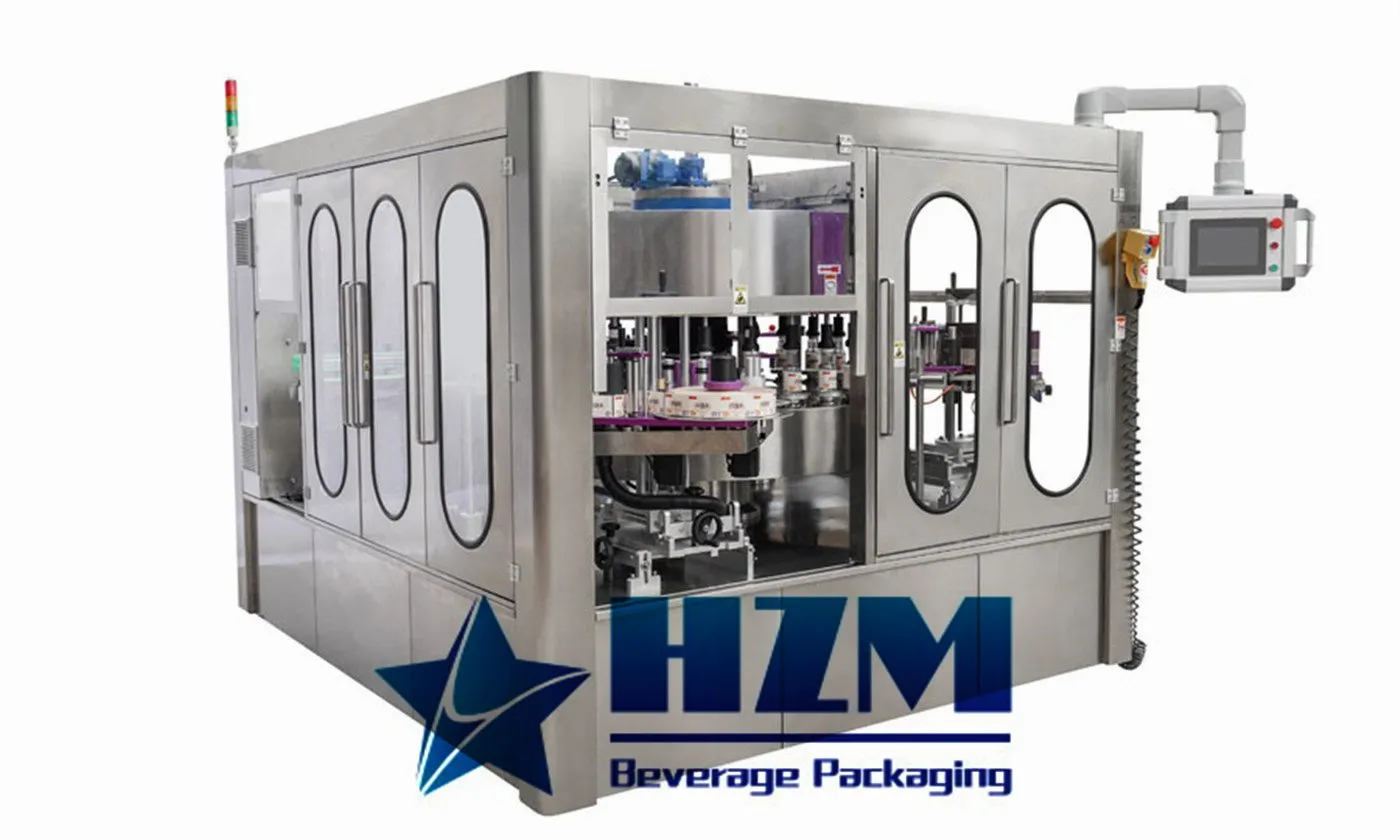
Automatic Self-Adhesive Labeling Machine
Automatic self-adhesive labelling for cylindrical containers, with ALM models covering 90–600 bottles/minute.
Learn more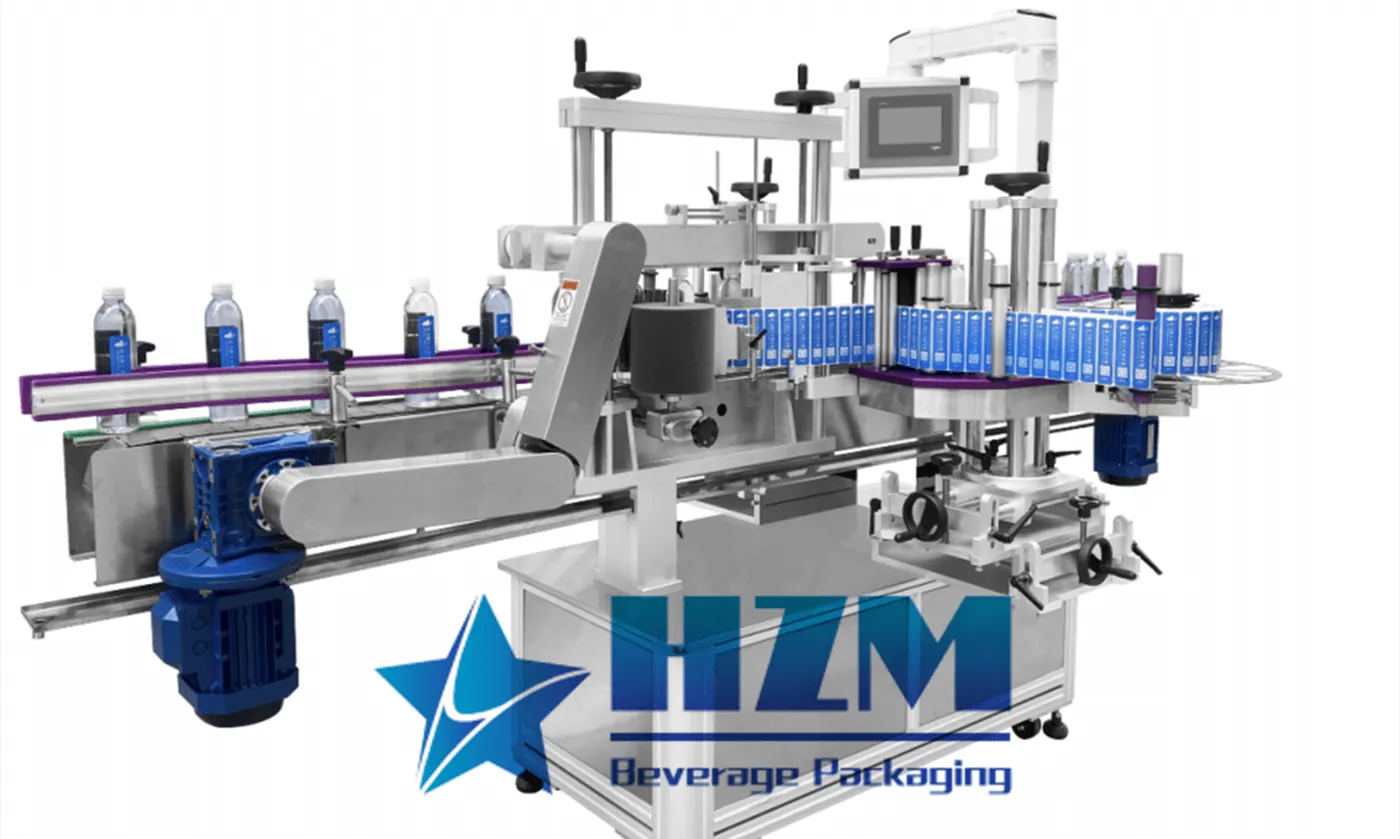
Automatic Linear Type Adhesive Sticker Labeling Machine
The linear self-adhesive labelling machine applies pressure-sensitive labels to bottles and other containers.
Learn more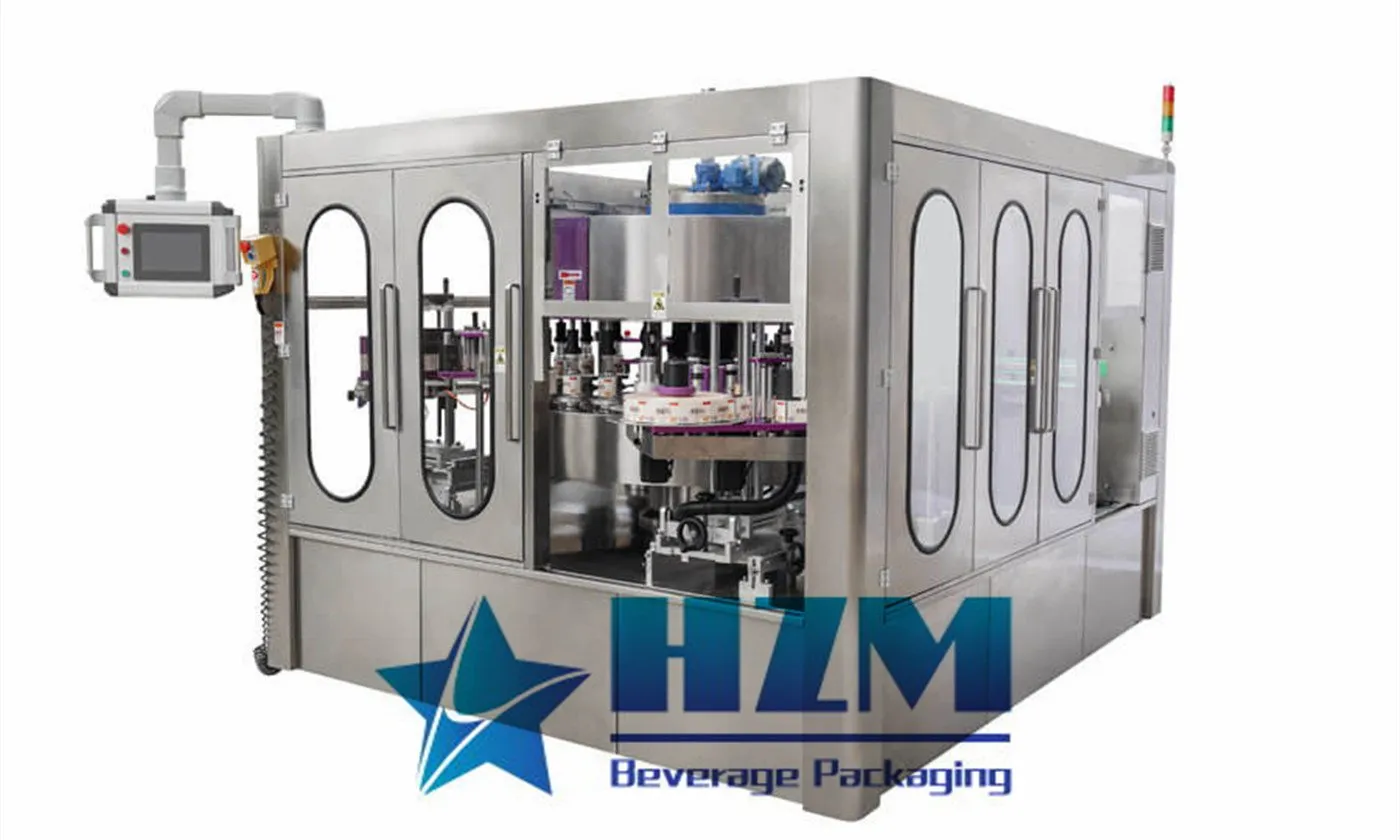
Automatic Cold Glue Stick Labeling Machine
Cold-glue paper label application for beverage bottles, with LJ models from 12,000 to 32,000 bottles/hour.
Learn more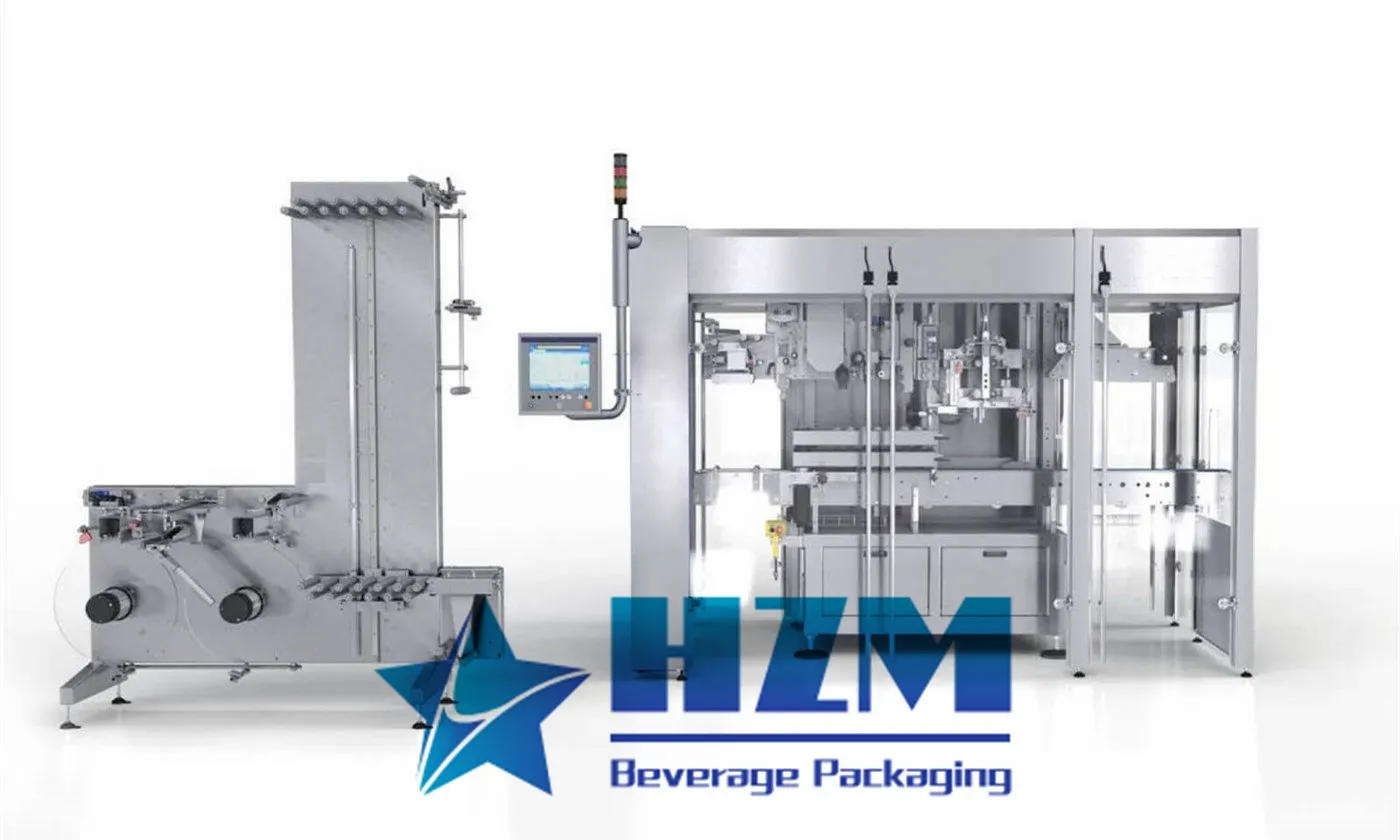
Automatic Sleeve Labeling Machine
Automatic shrink sleeve labelling for beverage bottles, with SHB models from 9,000 to 27,000 bottles/hour.
Learn more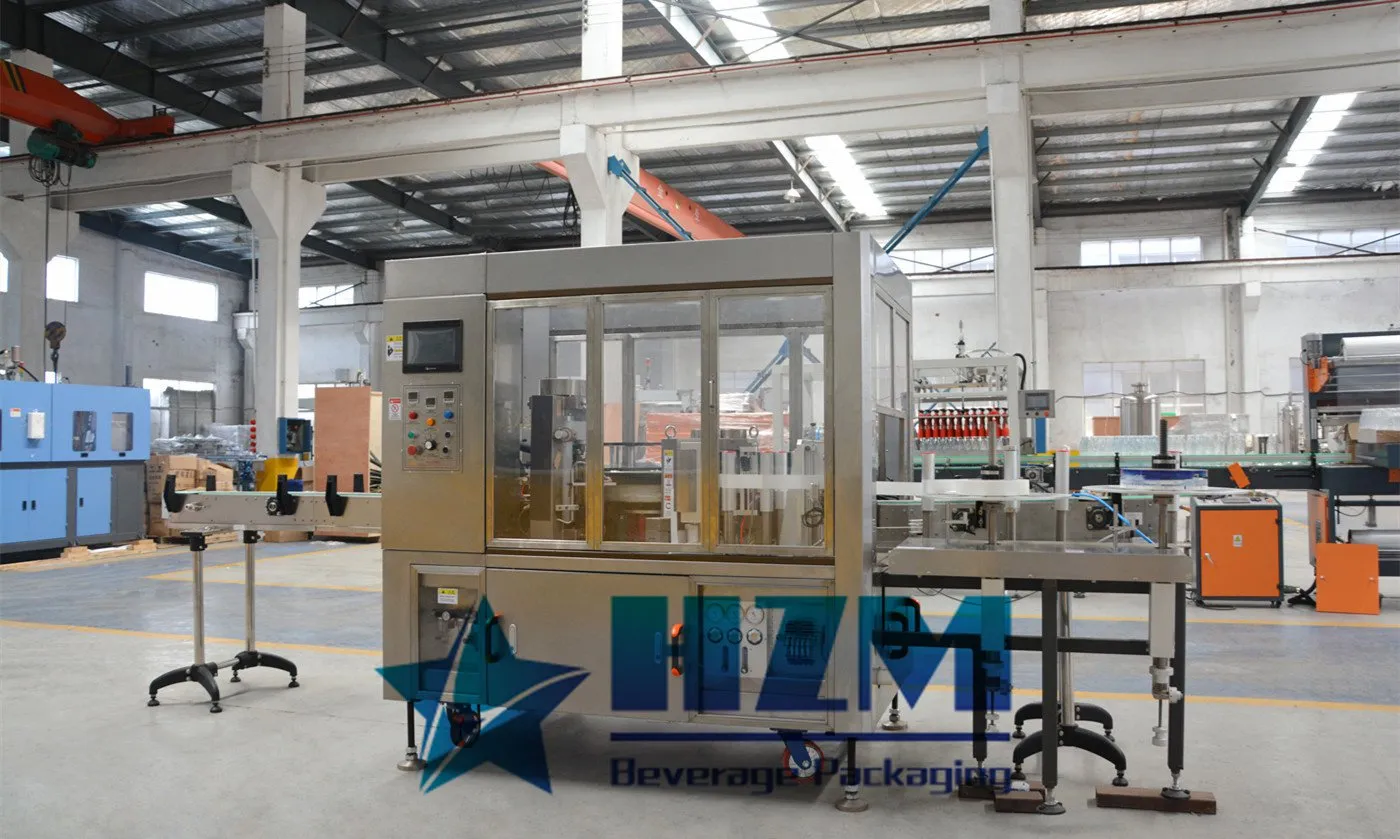
Automatic Linear Type Hot Glue Labeling Machine
Linear hot-glue labelling for water and soft-drink bottles, using roll-fed OPP labels at 8,000–24,000 bottles/hour.
Learn more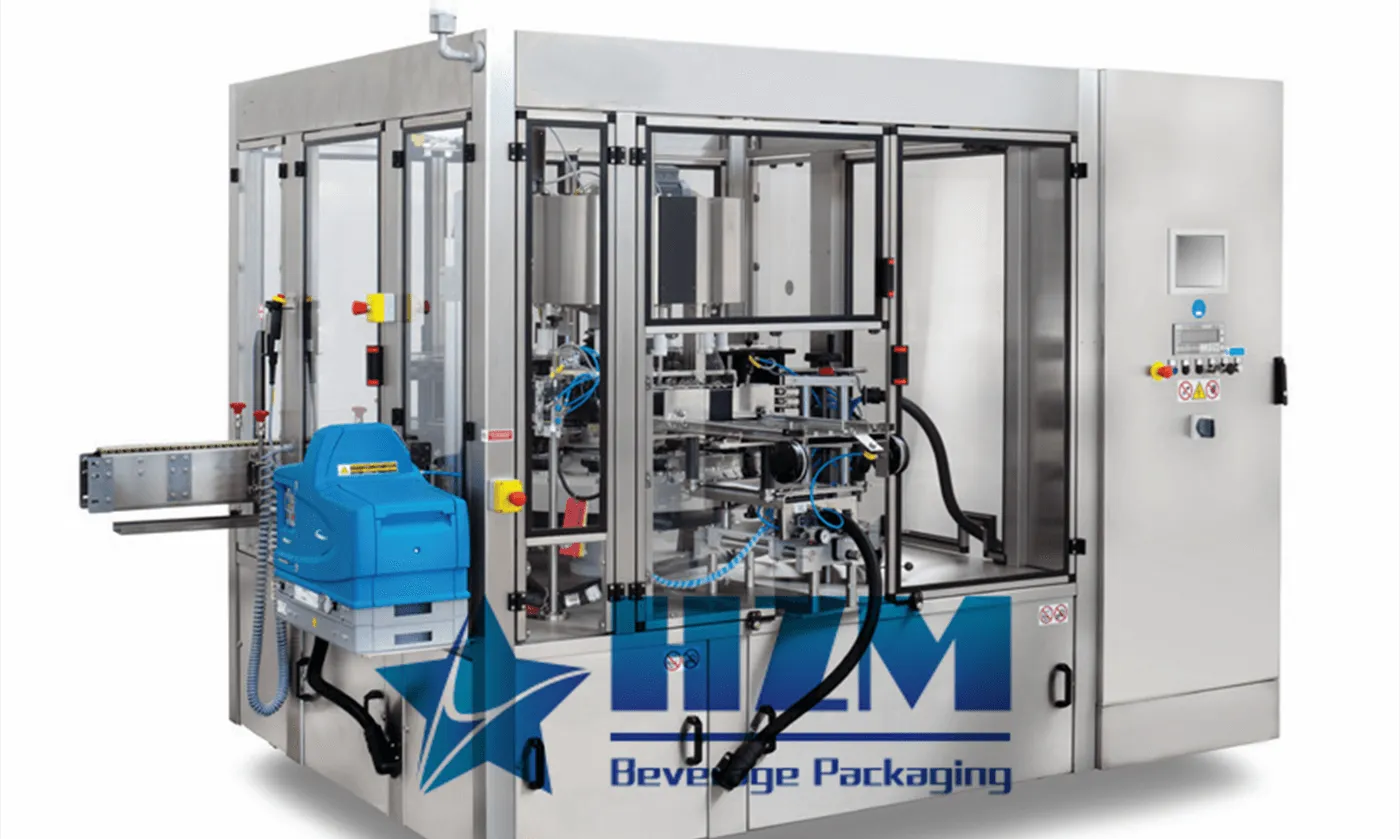
Automatic BOPP Hot Glue Labeling Machine
Rotary BOPP hot-glue labelling for beverage containers, with RG models from 8,000 to 24,000 bottles/hour.
Learn moreAutomatic Water Bottle Labeling Machine
Automatic hot-glue labelling for water and beverage bottles, with HG models from 8,000 to 24,000 bottles/hour.
Learn more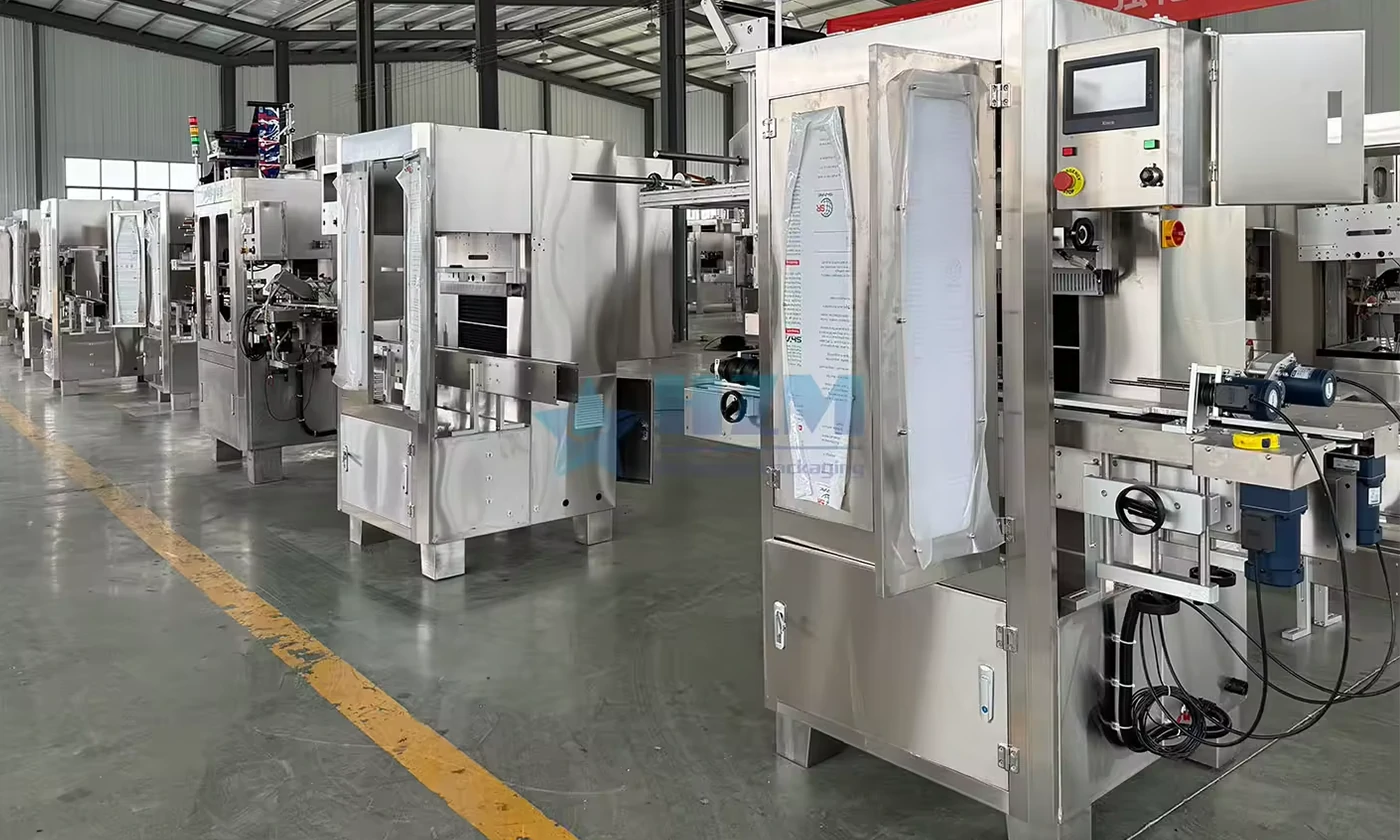
Automatic High Speed Bottle Body Sleeve Labelling Machine
The automatic sleeve labelling machine applies shrink sleeves to bottle bodies for water and beverage packaging.
Learn more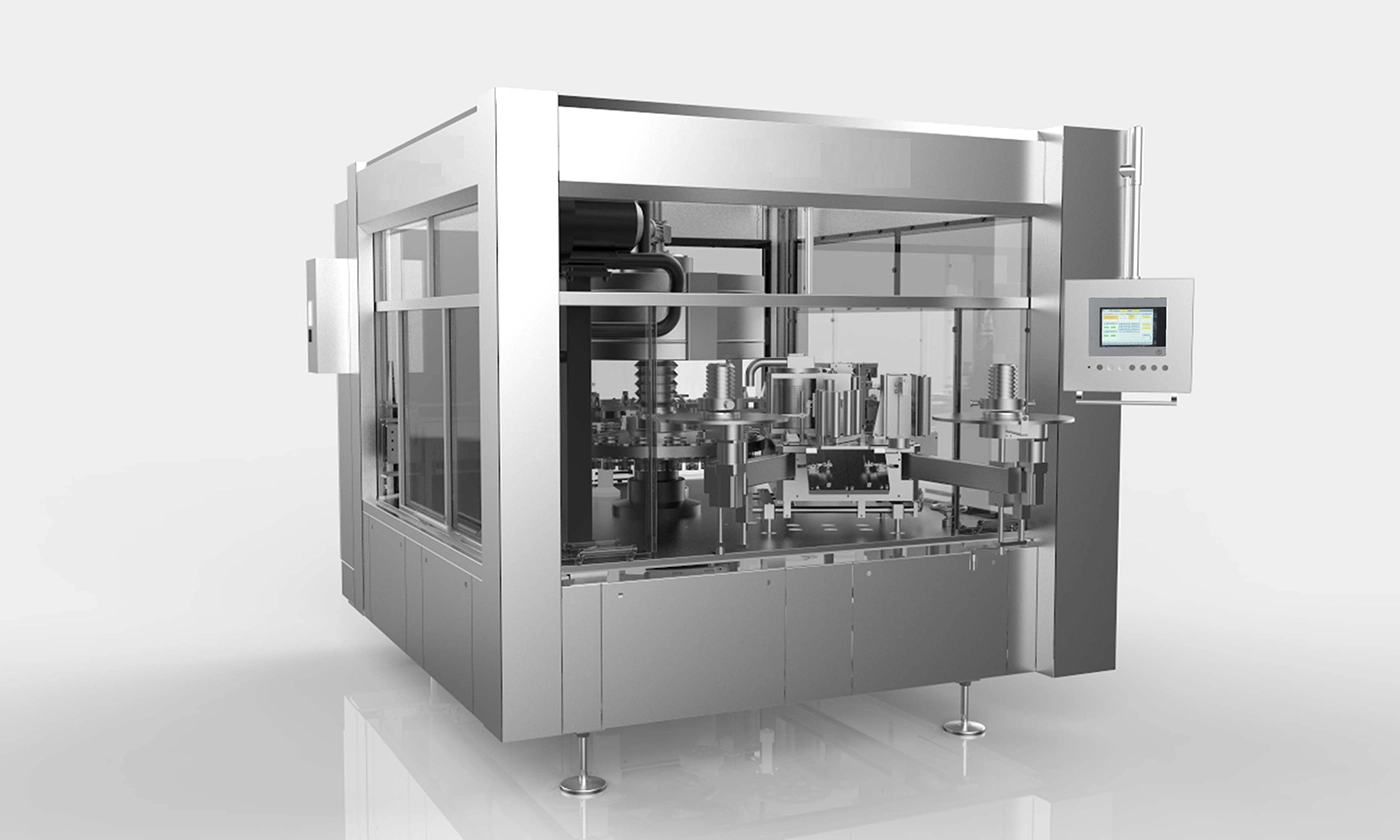
Automatic rotary OPP labeling machine: Bottle labeling machine
RH8 rotary OPP and BOPP labelling for round containers, with speeds of 4,000–12,000 bottles/hour for 500–2,000 ml containers.
Learn more
Sizing a Sleeve Labeler for 150 Bottles per Minute
A requirement of 150 bottles per minute equals 9,000 bottles per hour before interruptions and rejects.
Learn more
Bottle Conveyor Guide Settings After a Format Change
Use a format sheet that identifies guide positions at straight sections, curves and machine transfers.
Learn more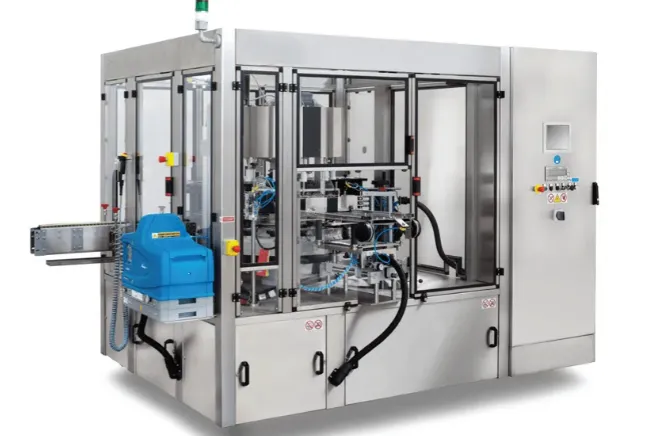
How Do Label Machines Work?
Labels are vital aspects of every business because these help in different business aspects ranging from packaging to presentation, identification, and traceability. These serve as a communicating
Learn more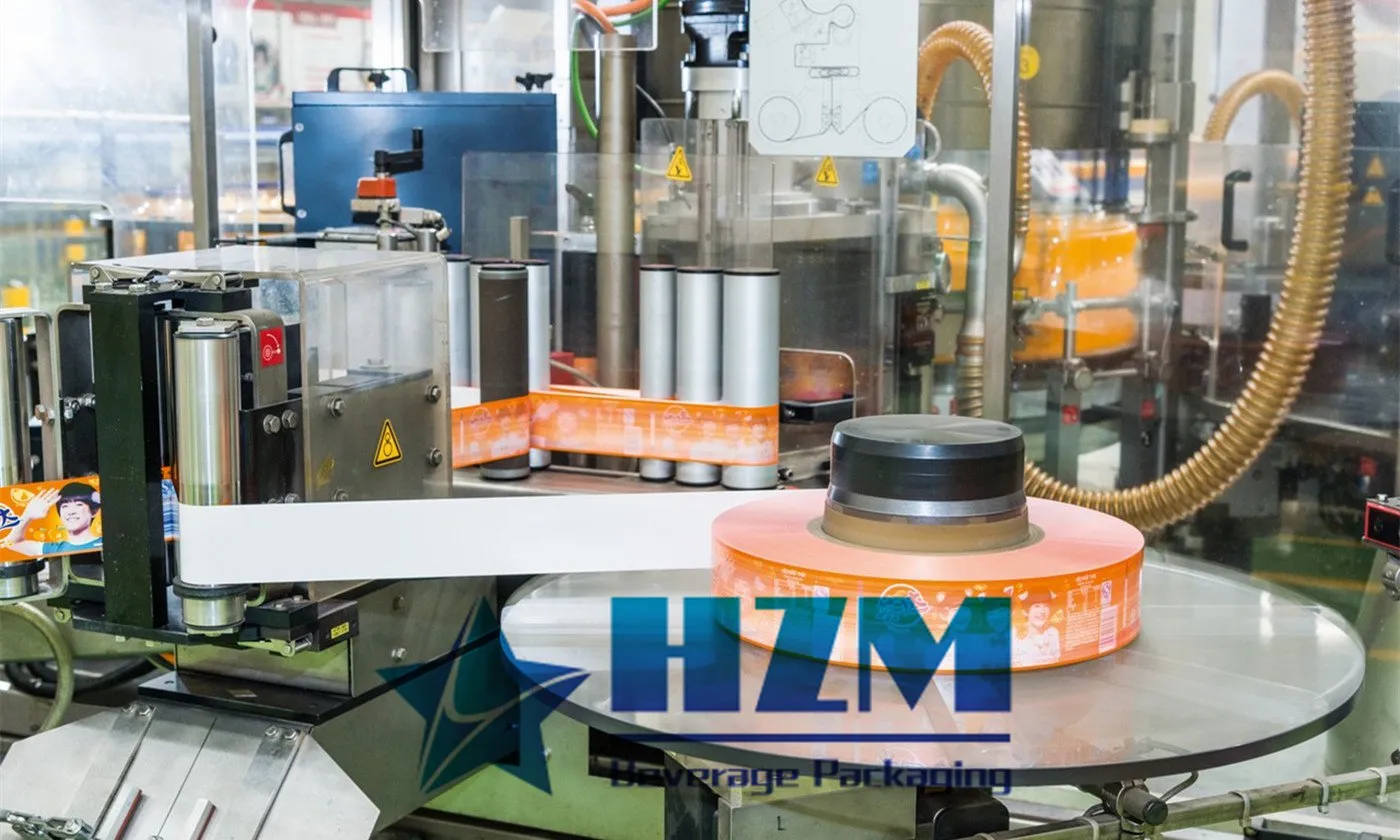
Essential Maintenance Tips for Labeling Machines
Like countless other mechanical devices, the use of a labeling machine is inseparable from daily correct operation and maintenance. Only when both are carried out simultaneously can the labeling machine perform with maximum efficiency.
Learn more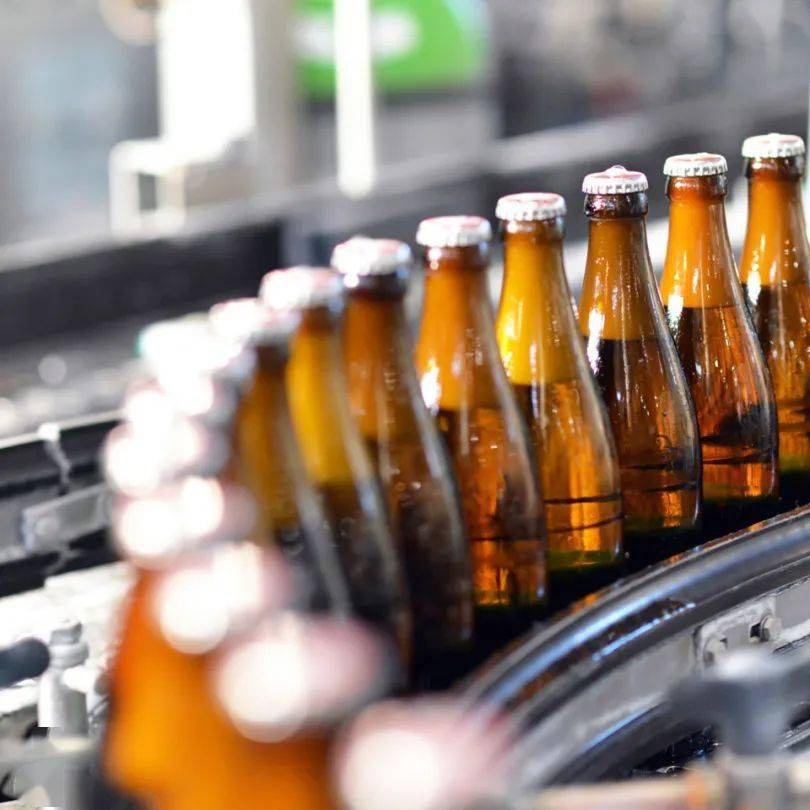
Specifying a Glass Bottling Line for Wine or Spirits
Wine and spirits require a defined product and container specification before filling equipment is selected.
Learn moreShrink Sleeve Labels Are Skewed: Sensor, Cutter or Bottle?
Inspect the sleeve before heat is applied. Check bottle centering, film web tracking and tension, registration-mark detection, cutter condition, mandrel alignment and sleeve drop timing. Follow this practical fault-isolation, repair and prevention guide for bottling-line operators and maintenance teams.
Learn more